
Codex
Open the chat you want on your Mac. Dictate a change and stop recording. The transcript lands in the composer, where you can edit it before sending.
Try dictation Get early access
Play five scripted voice examples, or use the live timer and clock. No microphone needed.
 Voice
Ready
Give your connected agent a task using notes it can access.
Sample request
“Draft a short follow-up from my meeting notes.”
The screen you choose sets the destination. Here’s what to ask for and where to find the result.
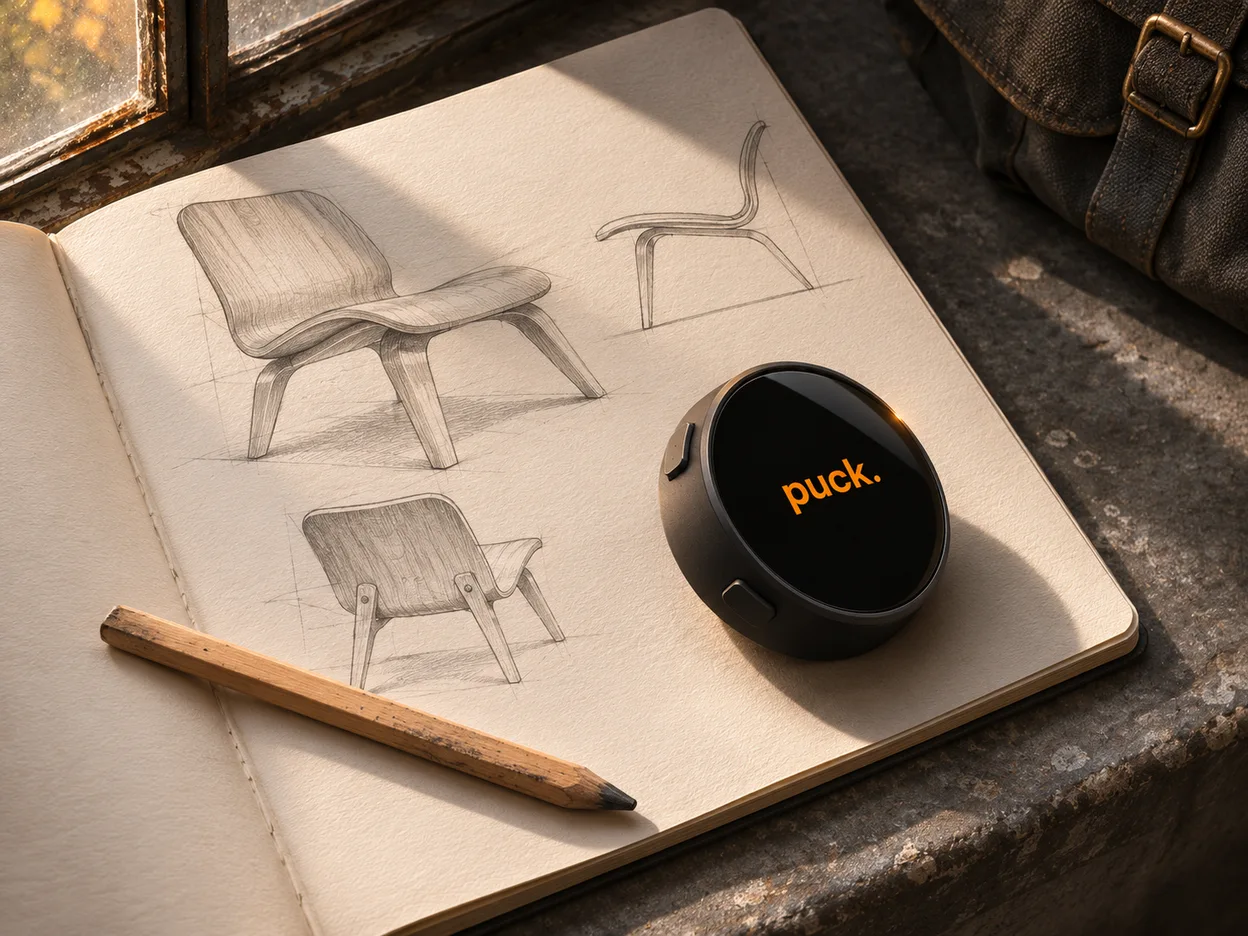
“Save the travel clip idea to my Puck project.”
Name the project when you speak. OpenBrain checks where the note was filed before confirming the save.
Try the OpenBrain example
Open the chat you want on your Mac. Dictate a change and stop recording. The transcript lands in the composer, where you can edit it before sending.
Try dictation
Name a page your connection can access and say what to add. “Saved to Notion” appears after Notion confirms the change.
Try a page update
Give a task a name and a due date. Once Todoist confirms creation, you can say “Complete the task we just created” in the same conversation.
Try adding a taskChoose the screens you want in Puck Studio, connect the services they use, and send the layout to your Mini.
Swipe left or right across the glass. The blue button runs the current screen’s action. The yellow button opens the screen wheel so you can jump straight to another screen.
Mini’s clock and focus timer work on the device. Voice workflows need their configured connection. For Codex dictation, keep the Mac companion running and the intended Codex chat open.
You can play every example here without signing in or sharing your microphone. The requests and app results are samples. On your own Mini, each app uses the account and permissions you connect.
Pod is the desktop voice companion in the Puck family. Its design preview includes sample conversations with OpenClaw.
Allow Google Analytics and PostHog to measure site visits, waitlist form activity, checkouts and purchases. An analytics cookie helps us count returning browsers for up to 30 days. Privacy details