Choose who answers.
Bring a compatible agent such as Hermes or OpenClaw. Choose the setup that fits the tools you already use.
 Get early access
Available through early access
Give your agent a button.
Voice-first firmware for compatible ESP32 devices. Press to talk to your AI agent, then get back to what you were doing.
Get early access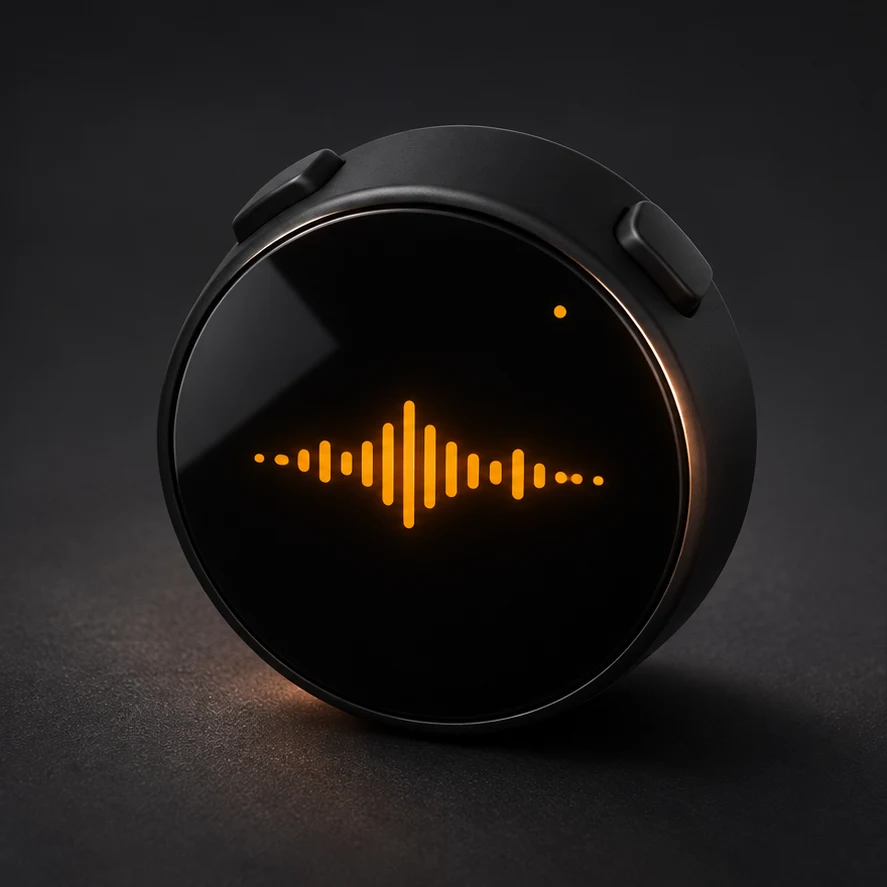
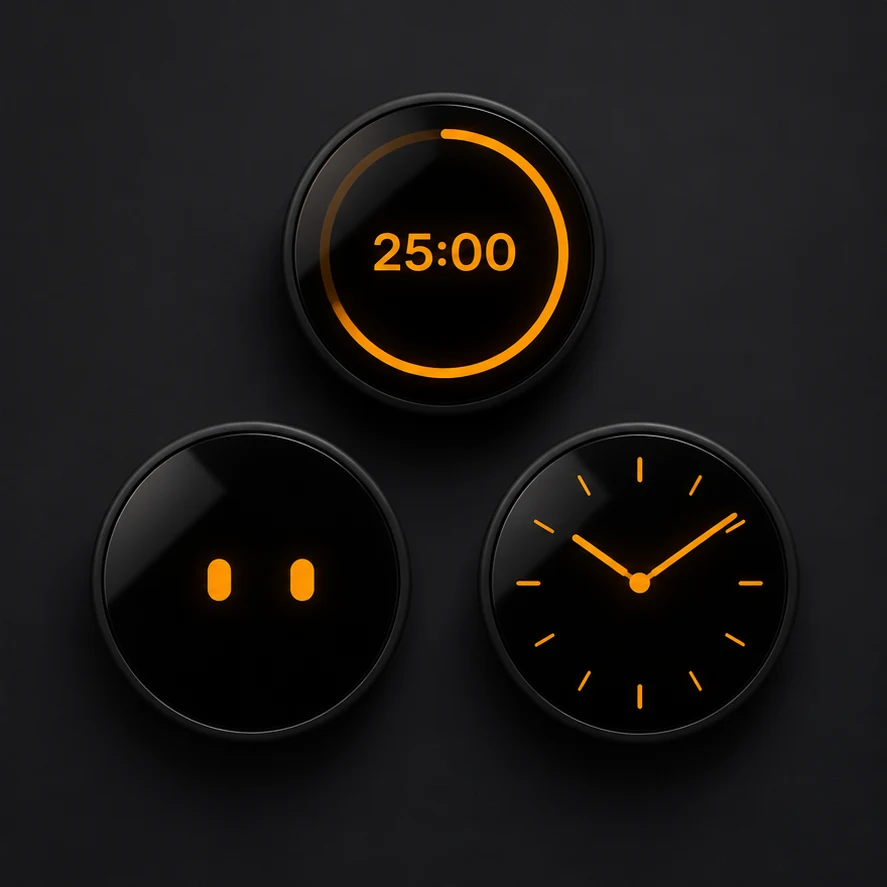
Setup depends on your ESP32 device. Have a USB data cable and Wi-Fi available, and follow the installation instructions for your device.
Connect your compatible ESP32 device by USB and follow the setup instructions provided with access.
Open the device’s setup page from your phone, then join your Wi-Fi network.
Enter your agent settings.
puckOS supports compatible ESP32 devices. Request early access to confirm support for your specific device before purchasing.
Yes. Use a compatible agent such as Hermes or OpenClaw.
Request early access for pricing, setup, and purchase details.
puckOS is available to buy through early access. Get early access to get the purchase and installation details.
Allow Google Analytics and PostHog to measure site visits, waitlist form activity, checkouts and purchases. An analytics cookie helps us count returning browsers for up to 30 days. Privacy details