
Puck Dial.
A physical dial for your Mac workspace. Turn the ring to set your time, press to start, and swipe the glass to change screens.
Get early access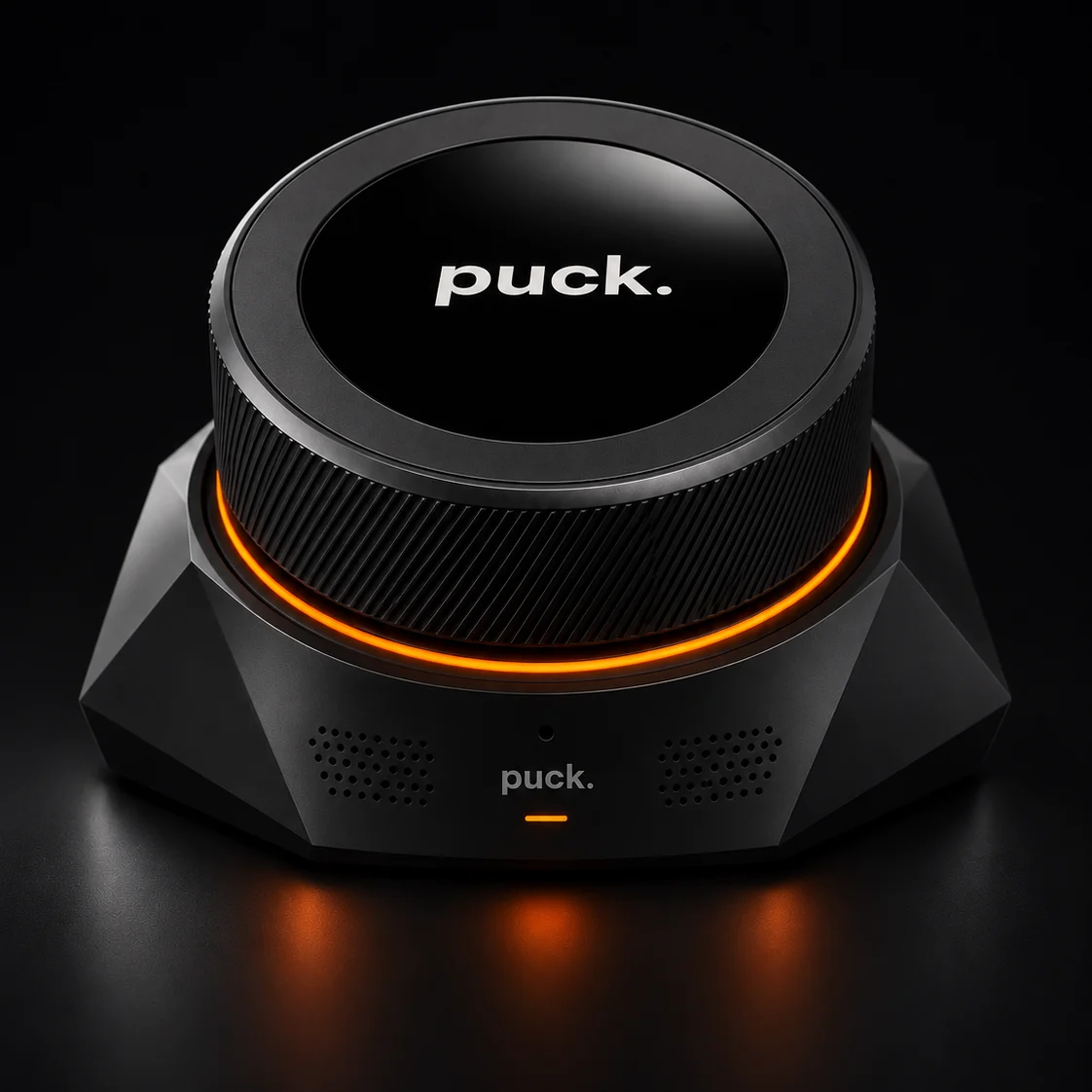
At the dial.
- Turn the ring
- On the Focus screen, a slow turn adjusts the timer one minute at a time. Turn faster to move through longer durations.
- Press the button
- Start, pause, or resume a focus session. On the clock face, a press switches between analog and digital time.
- Swipe the glass
- Move left or right through the screens. The connected Mac follows your selection.
Connect to your Mac.
Dial connects over USB. The Puck companion bridge on your Mac keeps the selected screen and focus timer in sync. For voice workflows in this setup, a paired Puck supplies the microphone and speaker.