
OpenClaw Edition · Product preview
Puck Pod.
For OpenClaw.
A place on your desk to talk to the AI agent you already run. Press, speak, and let OpenClaw take it from there.
Get early access
Give your agent
a place on your desk.
Ask what’s next on your calendar while you’re getting ready for a meeting. Hand off a draft while you still have the thought. Pod keeps your agent in reach while your screen stays on the work in front of you.
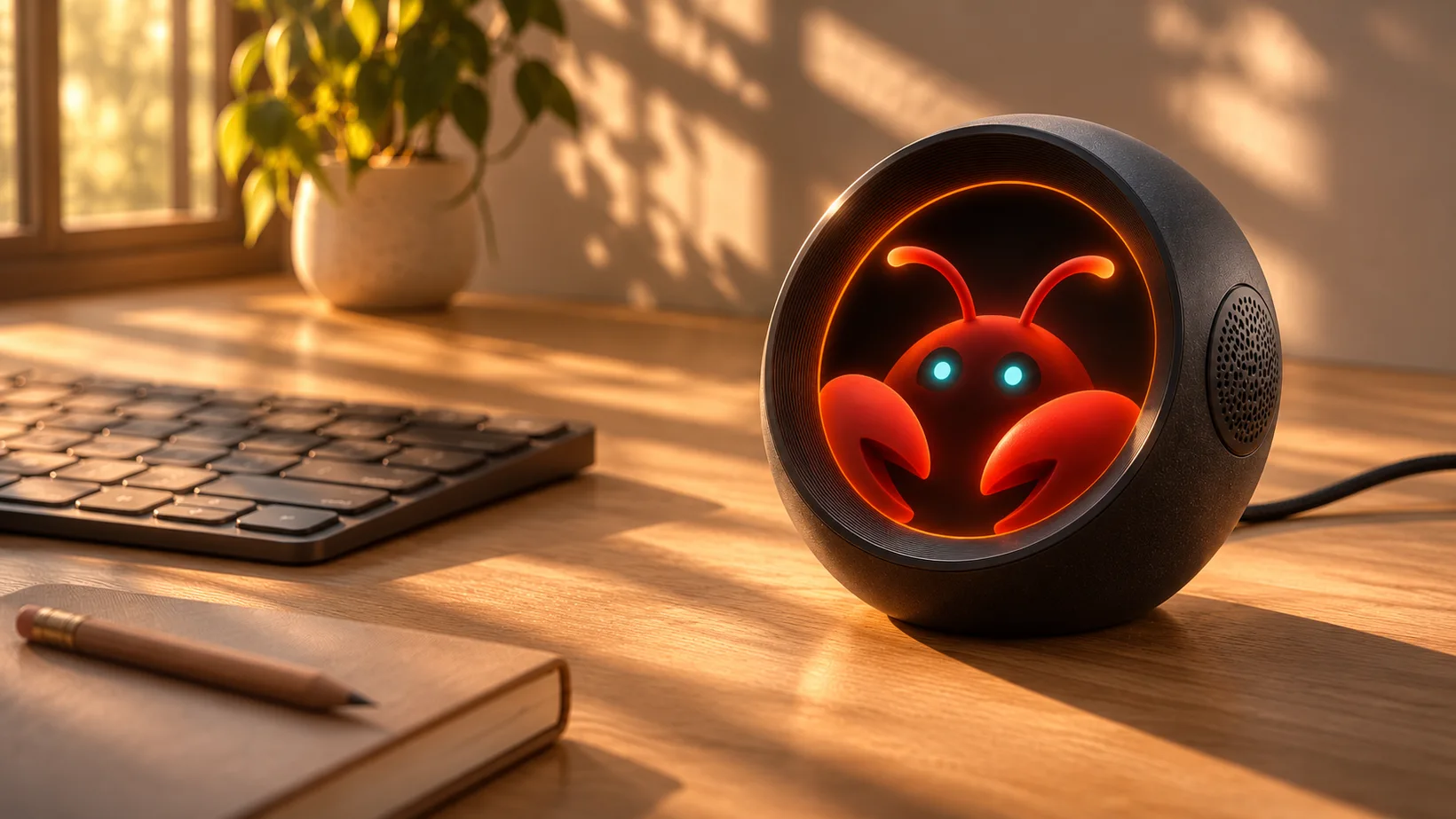
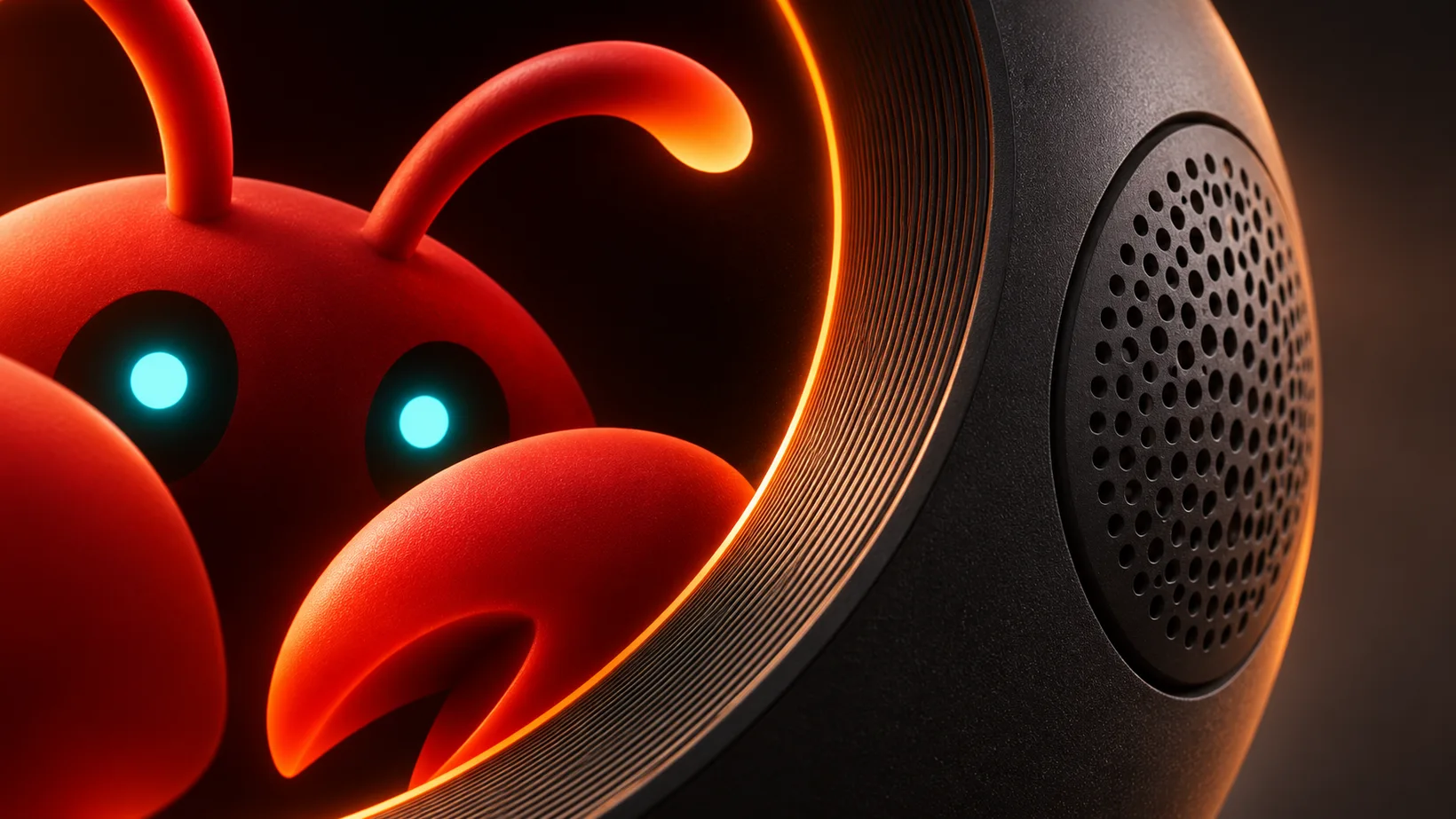
See when it’s listening.
You can glance at the round display to follow the conversation. The face changes as Pod listens, hands off your request, and plays the reply.
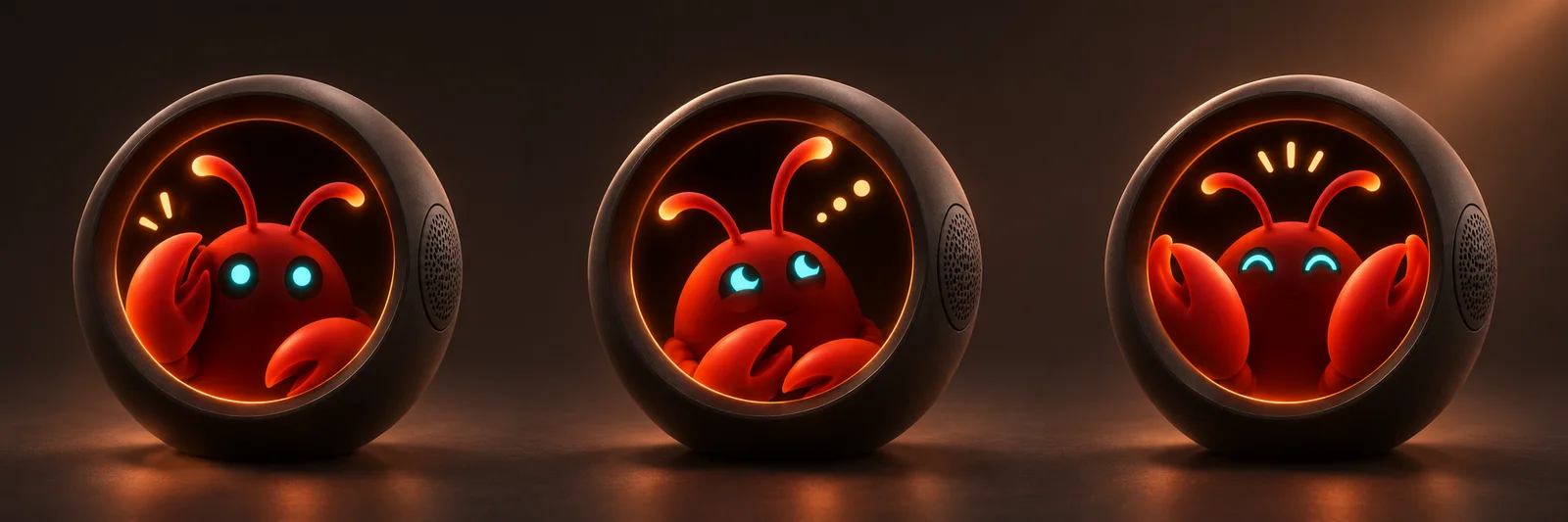
- Listening
- Press and speak.
- Working
- Release to hand off the request.
- Replying
- Hear what your agent found or did.
What would you ask?
Pick a task to see a sample conversation with OpenClaw. Each reply is scripted.
Calendar
- You
- “When’s my next meeting? Block 20 minutes before it so I can prepare.”
- OpenClaw
- “Design review is at 11. I’ve blocked 10:40 to 11 for prep and added the prototype notes from the invite.”
Uses a calendar such as Google Calendar with permission to read and create events.
Messages
- You
- “Draft a reply to Alex saying the prototype is ready to test.”
- OpenClaw
- “Here’s a draft. ‘Hey Alex, the prototype is ready to test. Can you try the setup flow and send me what you notice?’”
OpenClaw prepares a draft for you to review in your connected messaging app.
Connected API
- You
- “Check whether the latest build passed in our staging environment.”
- OpenClaw
- “Build 248 passed. Staging has the new setup flow. The production release is still waiting for review.”
Uses a build-status tool connected to a project API.
Bring the OpenClaw you already use.
OpenClaw runs on a separate host. Pod is the voice interface on your desk. Your OpenClaw setup determines which model answers and which tools it can use.
-
Set up OpenClaw
Run OpenClaw on your computer or server and choose the model you want to use. Read the OpenClaw setup guide.
-
Connect the voice route
Route voice requests from Puck to the OpenClaw agent on your host. See the Puck integration paths.
-
Choose the tools it can use
Give OpenClaw access to the apps you choose. A webhook can also trigger a workflow you’ve built in n8n, Make, or Zapier.
From the OpenClaw community.
OpenClaw users on what they’ve built with their agents.
“OpenClaw is now my primary interface to the digital world.”
“Integrated emails, home assistant, homelab via SSH, todo list, Apple Notes, shopping list. All via a single Telegram chat.”
Make room for Puck Pod.
Join the Puck early-access list for product and availability updates.
Get early access