puck. mini · Early access

Keep your phone in your pocket.

On a walk, ask your agent to save an idea before you lose it. Between meetings, hand it a follow-up to draft. When you sit down to work, turn the dial to set a focus timer.

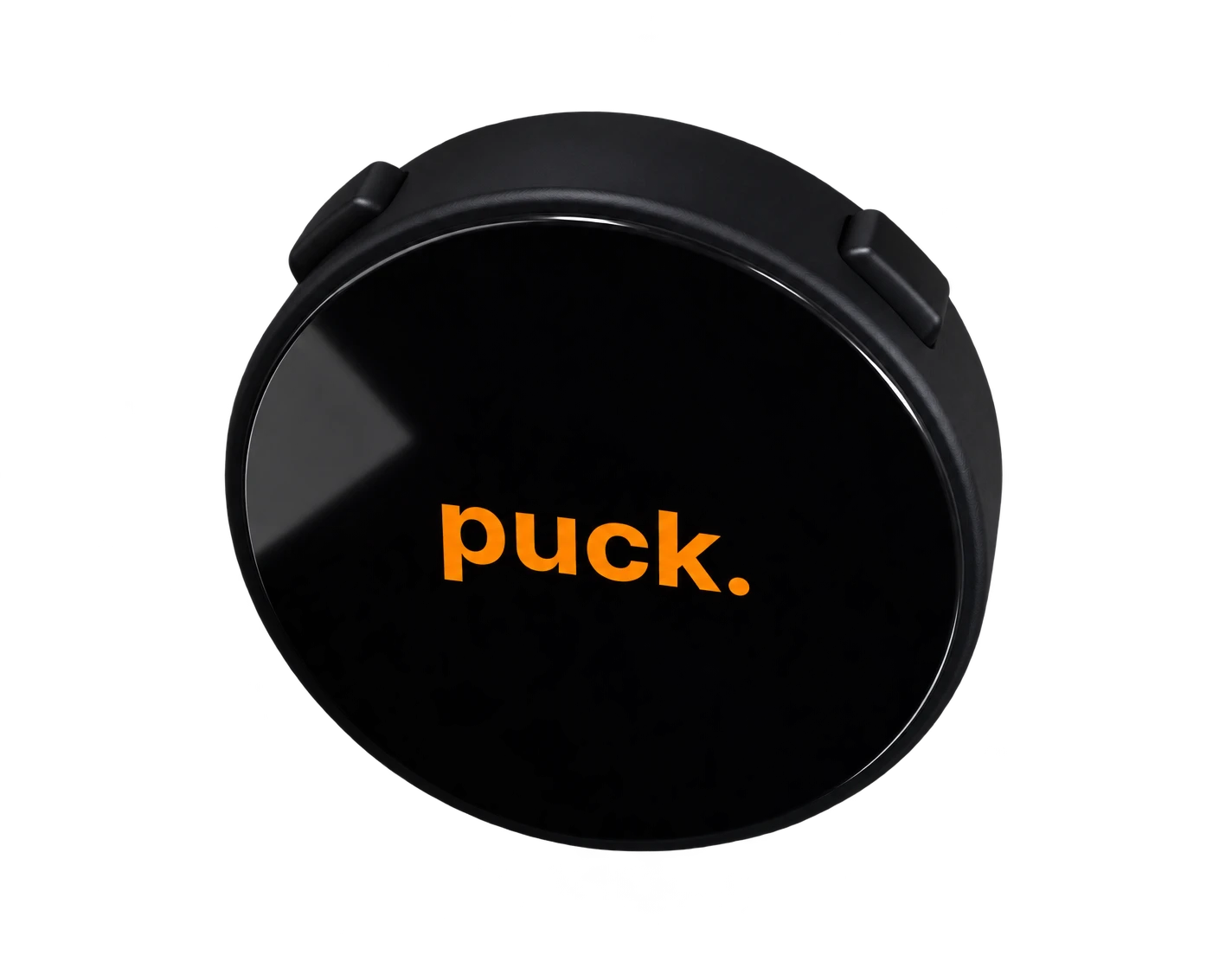
Close-up of the standalone puck. mini, showing its round black display and side buttons
Press to talk
Reach your agent without unlocking your phone. See agent options.
Turn to set a timer
Give the next task its own time.

The thought stays.
The phone stays away.

Catch a useful thought or hand off a task in the time it takes to say it. Puck Mini gives voice, focus, and quick checks a place of their own.

Using Puck Mini on a walk

Catch it on a walk.

Press, speak, and release. Tell your connected agent where the idea belongs so you can find it when you’re back at your desk.

“Save this to OpenBrain: show the setup in one short video.”
Example voice request
Get early access
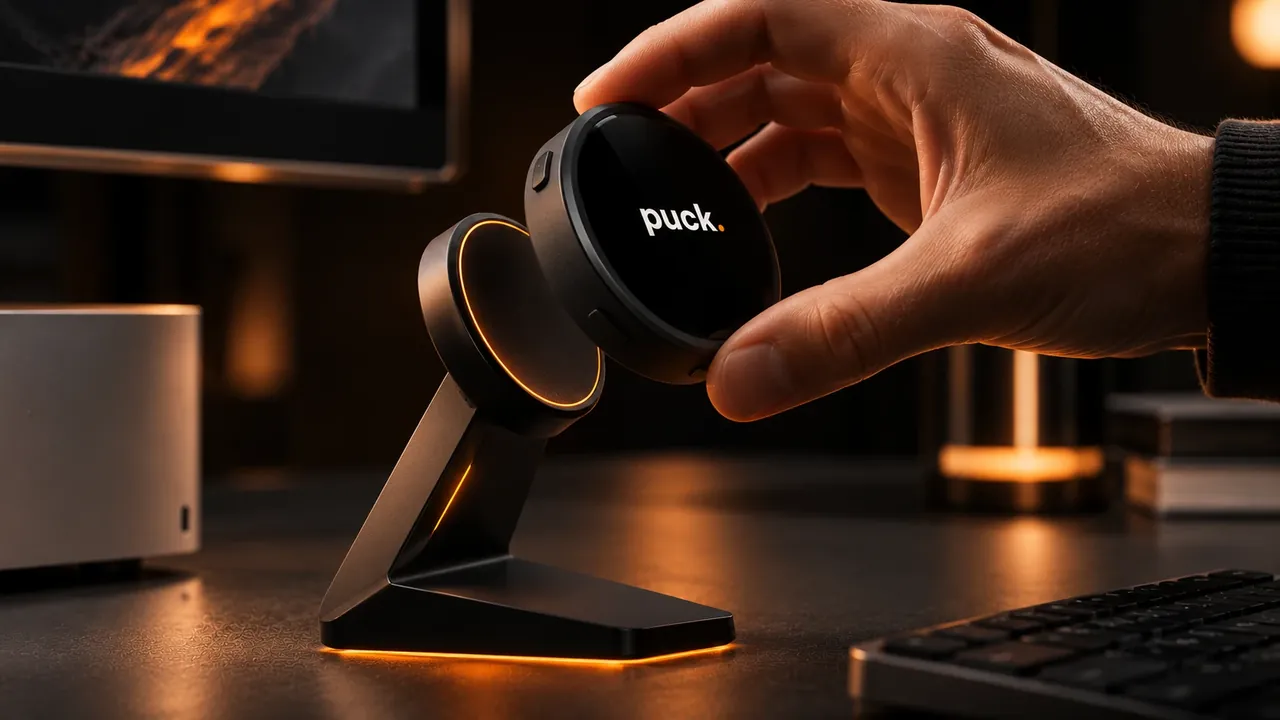
A hand lifting Puck Mini off its desk stand

Set a timer. Get to work.

Keep the countdown in view so you can stay with the task. Switch to a clock when you’re done, or use the puck. character when you want a little company on your desk.

Physical controls
Press to talk. Use the device controls to start or pause a focus session.
Choose your agent
Set up a route such as Hermes or OpenClaw. What your agent can do depends on the tools and permissions you give it.
Keep it in reach
Use the Mini on its own or give it a place on your desk with the magnetic stand.

From a quick thought
to something useful.

Puck Mini gives you a physical way to send a request to your agent. With the right workflow connected, you can decide where each kind of request should go.

Put ideas where you’ll find them.

Say the idea and name the project as you go. Send it to OpenBrain or Notion so the thought lands somewhere you already look for it.

Get the next step out of your head.

Ask for a task in Todoist or a follow-up draft from your agent. Capture the details while they’re fresh, then pick up the work when you have time.

Speak a coding task.

Dictate an instruction into Codex on your Mac. Talk through the change, then review the instruction in the composer before sending it.

Designed for everyday use

A few seconds.
Fewer interruptions.

Capture without opening your phone
A physical button gets you straight to the request, so you can save the thought and get back to what you were doing.
Keep your work in the tools you use
Route each request through a compatible agent or connected app. Your notes and tasks can land in the workflows you already have.
See how much time is left at a glance
Keep a focus countdown in view while you work, then switch to the clock between sessions.
Take it with you between tasks
Leave it beside your keyboard during a focus session or slip the same device into your pocket before heading out.
Get early access