
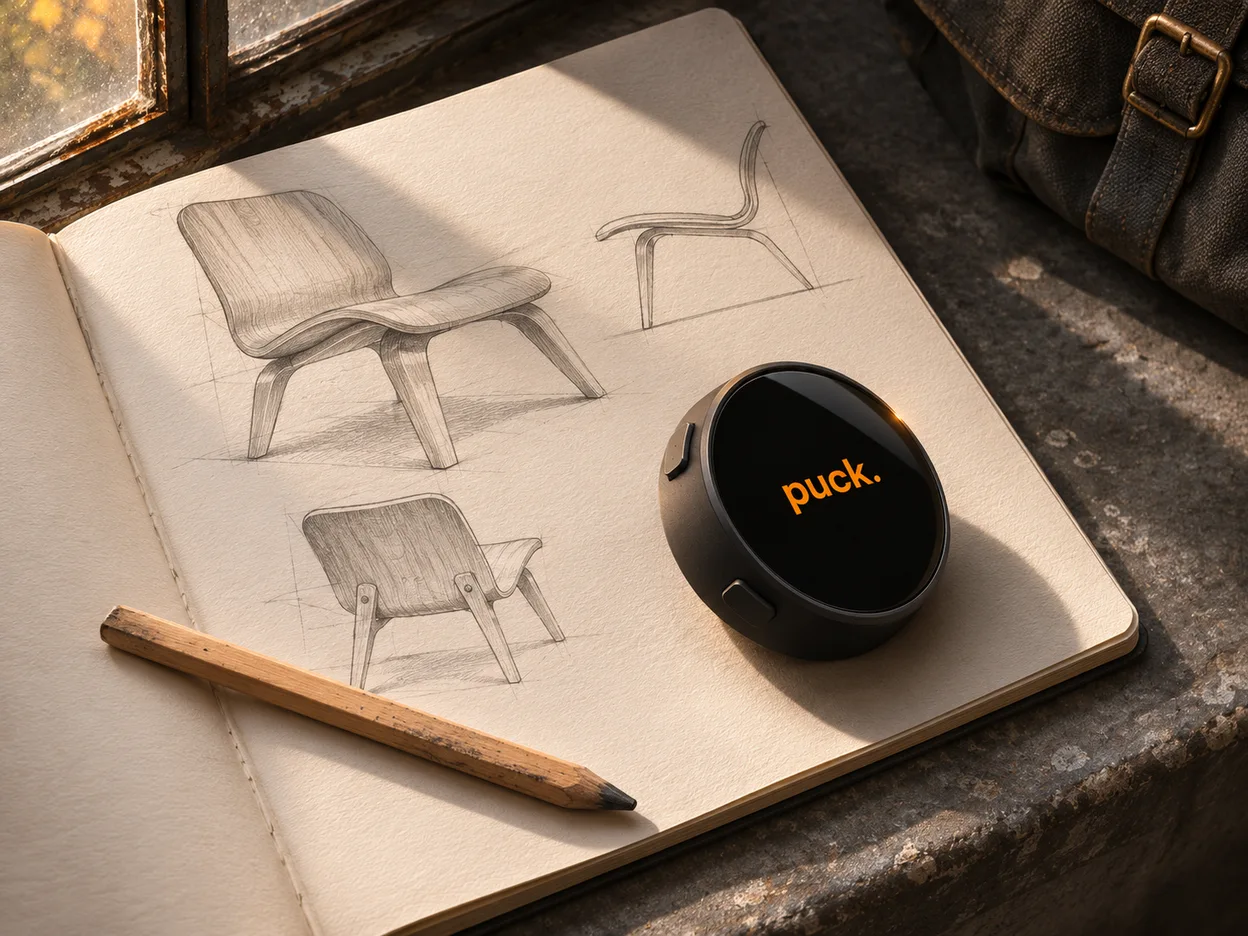
“Remind me to send the sketches on Monday.”
Put down the pencil, pick up Mini, and hold the button as you speak. With Todoist connected, the task lands in your list with Monday’s due date.
Try the Todoist walkthrough Get early access

 OpenClaw
 Hermes
 Codex
 Notion
 Todoist
Put down the pencil, pick up Mini, and hold the button as you speak. With Todoist connected, the task lands in your list with Monday’s due date.
Try the Todoist walkthrough
Keep your document open on the Mac. Turn the ring to set a focus session, then press to start. The time stays in view on your desk.
Explore the Dial controlsPuck Pod · Design preview
Ask from your desk. Pod passes the question to your OpenClaw agent, which can read your next appointment when you’ve connected your calendar.
Try the Pod conversation
Magnetic desk stand
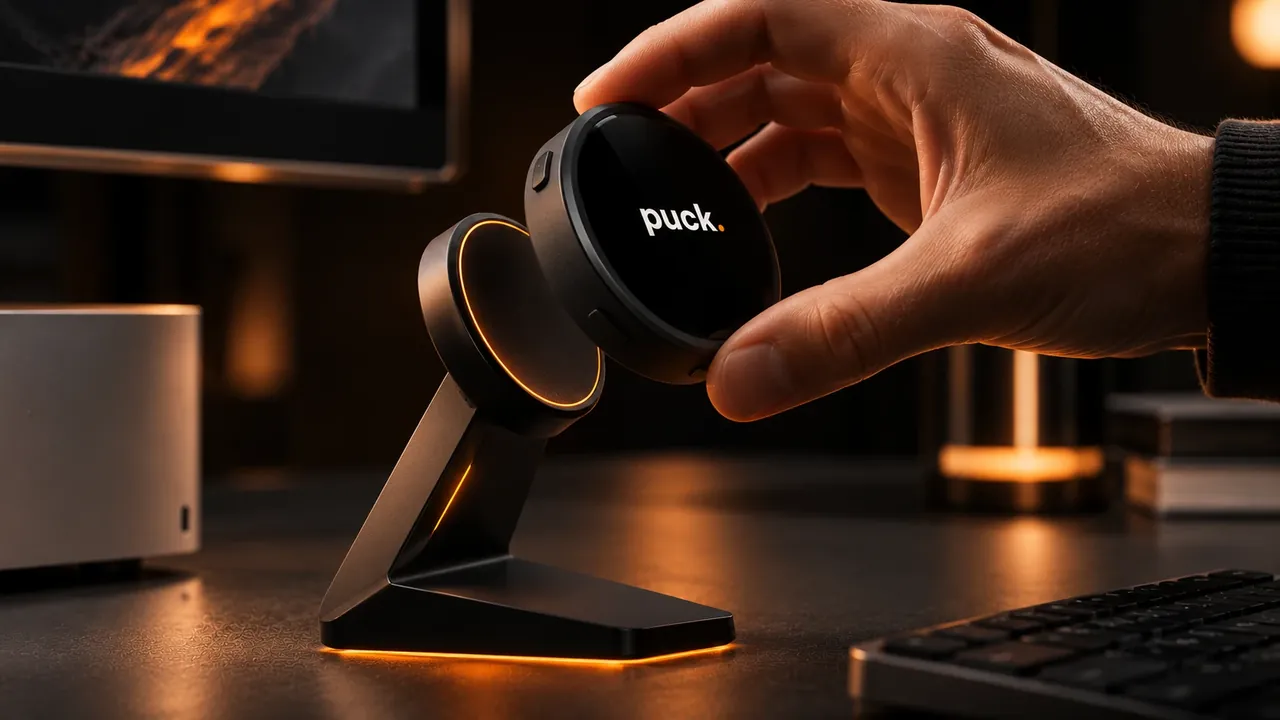
Snap Mini onto its stand to keep the timer in view. When you head out, lift it off with one hand and take your voice button with you.
Choose Mini for voice capture on the move, Dial for a physical control beside your Mac, or Pod for a desk companion to your OpenClaw agent. Mini is in early access. The Dial enclosure and Pod are design previews.
Choose a workflow on Mini. OpenBrain can save a thought in your workspace, Notion can write to a connected page, and Todoist can add a task to your list. Explore the integrations.
Dial connects over USB. The Puck companion bridge keeps the selected screen and focus timer in sync with your Mac. See the Dial setup.
OpenClaw runs on your computer or server. Pod is the voice interface on your desk. Your OpenClaw setup determines which model answers and which tools it can use. See the Pod setup.
With the Mac workflow set up, dictate an instruction into the Codex composer. You can review and edit it before sending. Try the Codex walkthrough.
Mini works in your hand. The optional stand holds the display upright when you want to see it from your desk. Take a look at the stand.
Puck OS runs on compatible ESP32 devices. Check the setup requirements and request early access to confirm support for your model.

Allow Google Analytics and PostHog to measure site visits, waitlist form activity, checkouts and purchases. An analytics cookie helps us count returning browsers for up to 30 days. Privacy details